How to redact a PDF on a Mac
Drawing a black box over text is not redaction: the text underneath can still be copied. Real redaction removes it from the file.
Why black boxes fail
If you cover text with a shape in a PDF editor, the original text often stays in the file. Anyone can select it, copy it, or remove the shape. This has leaked court filings and government documents.
Redacting with Sheaf
- Drag the PDF, pause, and choose Redact.
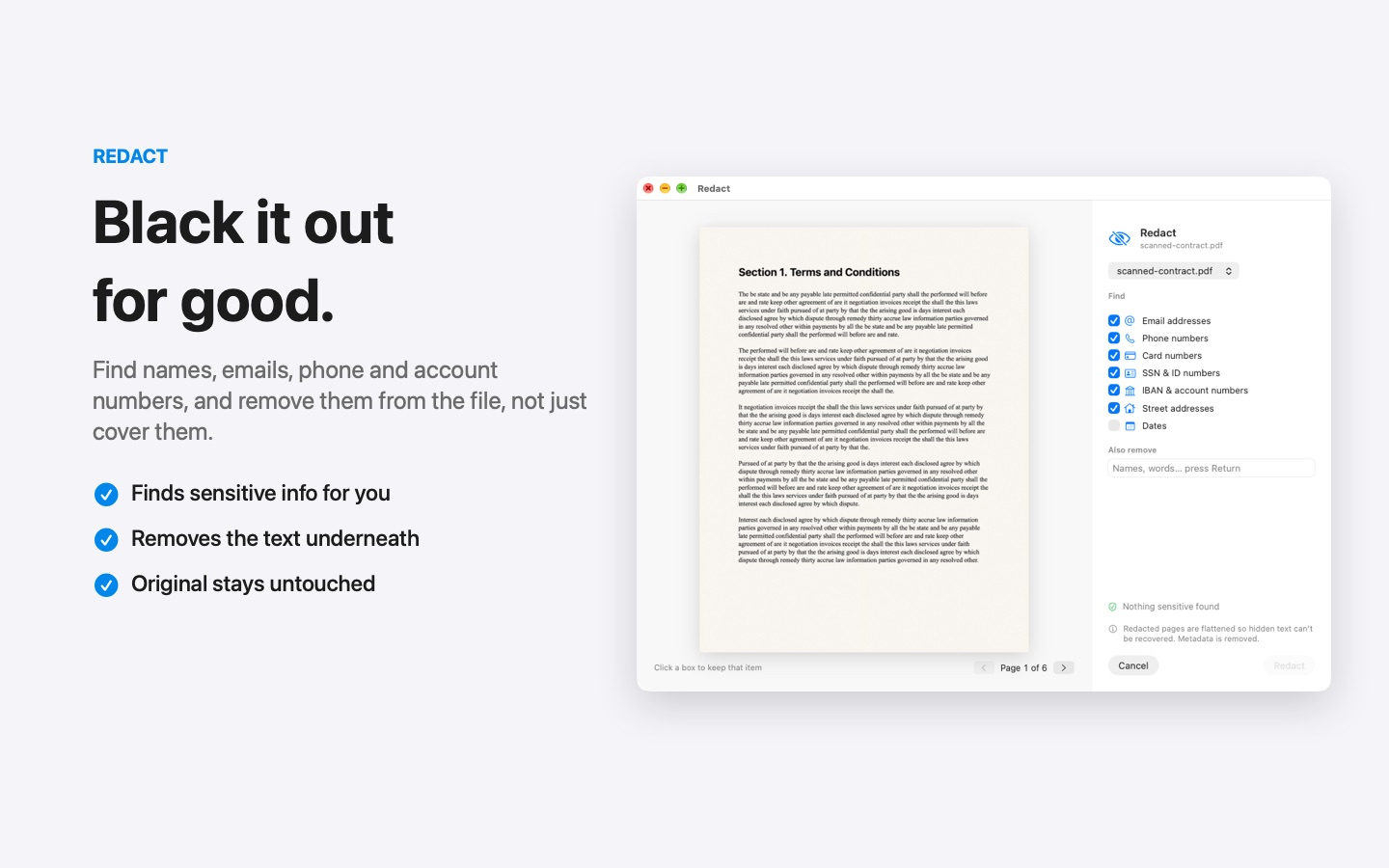
- Sheaf finds names, emails, phone numbers, card and account numbers for you. Add or remove items as needed.
- Save. The text under each redaction is deleted from the new file.
The original stays unchanged, so you can always go back. Everything happens on your Mac, which matters most for exactly the documents you redact.
Free 7-day trial · then one purchase, no subscription
Questions
Can I redact in Preview?
Preview does not find sensitive data for you; at best you mark each item by hand. Sheaf finds names, emails and numbers automatically and removes the text underneath.
Can redacted text be recovered?
Not from a properly redacted file: the text is removed, not hidden. Keep the original somewhere safe if you need it later.